
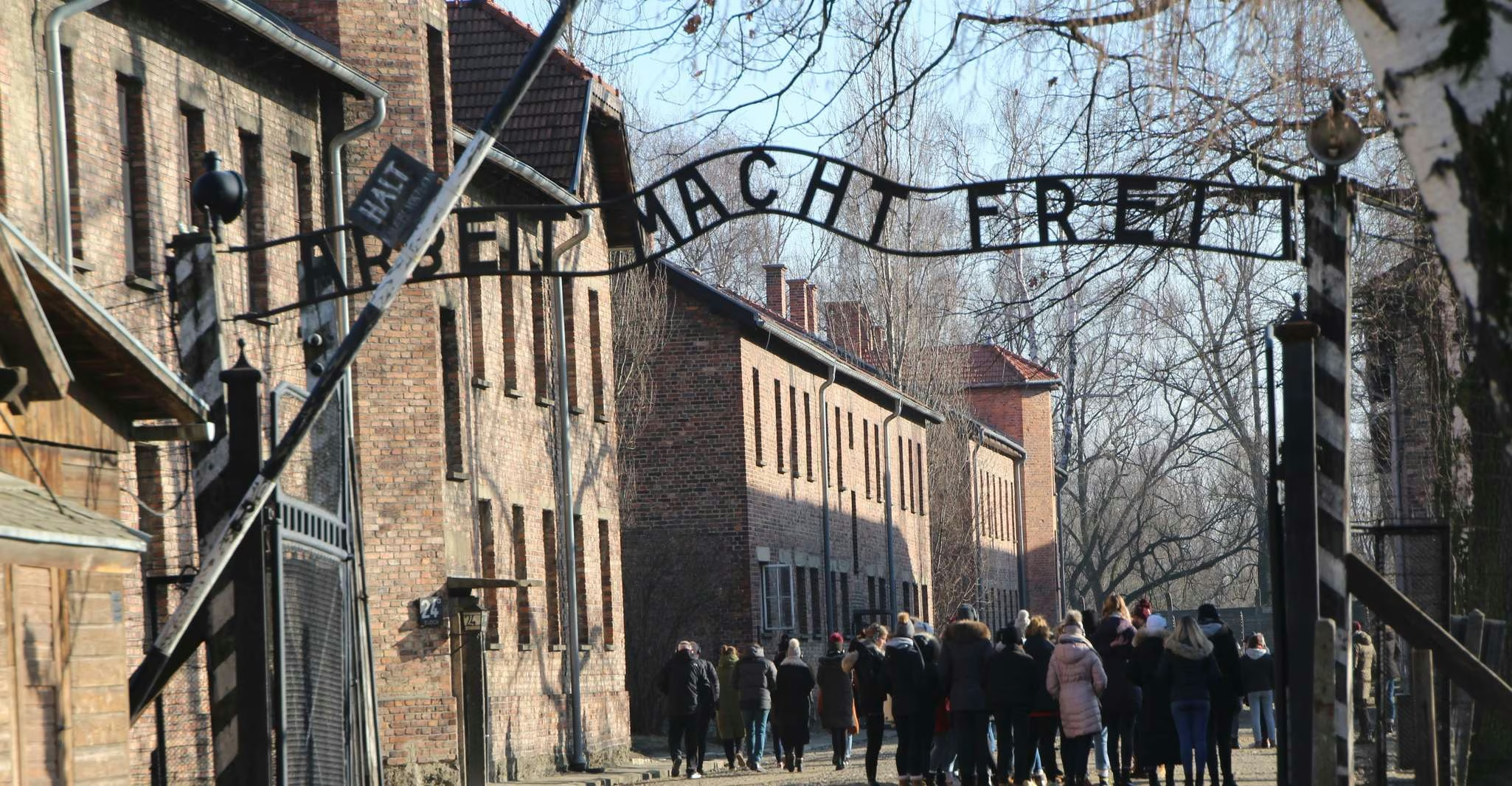
How to Book Auschwitz-Birkenau Tickets: Step-by-Step Guide

All Auschwitz-Birkenau entry passes must be booked in advance at visit.auschwitz.org — the only official booking platform. Entry is free; guided tours carry a fee of approximately 75 PLN per person. The system releases passes 90 days in advance. No walk-in entry is available. Booking takes around 10–15 minutes once you have an account. Read this guide before you start to avoid the most common mistakes.
Booking an Auschwitz-Birkenau entry pass is not complicated, but the official booking system has some quirks that confuse first-time users — and the consequences of getting it wrong (a name mismatch, a missed slot, or booking through an unofficial site) can mean being turned away at the gate. This guide walks through every step.
Before You Start: What You Need
Before opening the booking system, have the following ready:
- Full legal name of every visitor — exactly as it appears on their identity document. The system issues personalised passes; a name mismatch between pass and ID results in refusal of entry.
- A valid email address — confirmation and entry passes are sent by email. Check spam folders if they do not arrive within a few minutes.
- Your preferred visit date and approximate entry time — entry passes are timed. Know what time you want to arrive before starting.
- A payment method — required only if booking a guided tour (entry itself is free). Credit and debit cards are accepted.
Step 1: Go to the Official Booking Site
Open visit.auschwitz.org in your browser. This is the only official platform for booking entry passes directly from the museum. Bookmark it before starting.
Several unofficial websites present themselves as Auschwitz ticket sellers, some ranking prominently in search results. The museum does not cooperate with any third-party companies in the sale of entry passes. If you are not on visit.auschwitz.org, you are not on the official platform. Any “ticket” purchased elsewhere is not a museum-issued entry pass.
If you have found visit.auschwitz.org through a search engine, double-check the URL before entering any personal details.
Step 2: Create an Account or Log In
New visitors must create an account before booking. Click the registration option and complete the form with your name, email address, and a password. You will receive a verification email — click the link to activate your account before proceeding.
If you have visited before and already have an account, log in with your existing credentials.
Tip: Use an email address you check regularly and have access to on your phone — your entry passes and booking confirmations will be sent here, and you may need them on the day of your visit.
Step 3: Select Your Visit Type
Once logged in, select the appropriate visit type from the menu:
- Visit for individuals — for individual visitors or small groups who will join an existing guided tour at set times, or visit self-guided
- Visit for groups — for pre-formed groups of 10 or more that require a dedicated guide booking
Most visitors selecting this guide should choose Visit for individuals.
Step 4: Choose Your Date
A calendar view shows available dates. Dates highlighted in green have availability; dates shown in grey or red are fully booked or unavailable.
Do not panic if your preferred date is fully booked. New passes are released on a rolling 90-day basis — meaning passes for a date 90 days away become available each day. Check back early in the morning (passes are typically released at 12:00 noon Polish time). Alternatively, consider an organised day tour from Kraków — reputable operators often have pre-secured slots even when the public system shows no availability.
Step 5: Select Your Tour Type and Language
After choosing your date, select the type of visit:
For a guided tour:
- Choose your preferred language from the available options (tours run in 20+ languages; availability varies by date and time)
- Select your preferred entry time from the available slots
- Check the duration: general tours run 2.5 or 3.5 hours; individual guided tours run approximately 3 hours 45 minutes
For a self-guided free visit:
- Select “Tour for individuals without an educator”
- Choose an available time slot
- Note that free pass slots are only available at specific hours and are subject to availability
Tip on timing: Morning slots — particularly the first available entry time of the day — tend to have the best availability and the quietest conditions on site. If you have flexibility, choose the earliest slot that works with your travel plans.
Step 6: Enter Visitor Details
For each visitor in your party, you must enter:
- First name and surname — exactly as on their identity document
- Date of birth
- Contact details (for the lead booker)
This step is where many visitors make mistakes. Common errors include:
- Using a nickname or shortened name instead of the legal name on the passport
- Entering names in a different order (e.g. surname first vs first name first)
- Including middle names on the pass but not bringing an ID that shows the middle name (or vice versa)
The museum enforces this strictly. Staff at the security checkpoint verify every name against the ID presented. A mismatch — even a minor one — can result in refusal of entry.
Step 7: Complete Payment (Guided Tours Only)
If you have selected a guided tour, you will be prompted to pay the guide fee at this stage. Entry to the grounds is free; the fee covers the licensed educator-guide service.
Current guide fees (verify at the time of booking):
- General guided tour: approximately 75 PLN per person
- Concessions available for students up to 26, seniors over 75, and disabled visitors with documentation
Payment is by credit or debit card. The transaction is processed securely through the museum’s payment system.
If you are booking a free self-guided pass, no payment is required at this stage.
Step 8: Receive and Save Your Entry Pass
After completing the booking, you will receive a confirmation email containing your entry pass. Each pass has a unique barcode and is personalised with the visitor’s name.
Save your pass in two ways:
- Download it and save offline to your phone — do not rely on mobile data or Wi-Fi at the museum
- Print a copy as a backup
The pass may be shown on a phone screen or as a printed document at the security checkpoint. Ensure your phone is fully charged before arriving — the museum does not have phone charging facilities on site.
Step 9: Arrive on Time
Your entry pass specifies your entry time. Arrive at the main museum entrance at least 30 minutes before your booked entry time to allow for:
- Security checks (bag inspection and ID verification)
- Group formation for guided tours
- Any queue at the checkpoint during busy periods
If you arrive late, you may not be admitted. The museum’s timed entry system is strict and there is no flexibility for late arrivals.
What to Do if Your Preferred Date Has No Availability
Fully booked dates are common, particularly in summer. Your options:
1. Check at 12:00 noon Polish time. New passes are released each day on a rolling 90-day basis. The moment passes become available for a new date, they are often snapped up within minutes on busy summer days. Setting a reminder and checking at noon improves your chances.
2. Try a different time slot. Afternoon slots on the same date may have availability when morning slots are full. Entering the museum later in the day is still a valid option — just be mindful of the last entry time for your chosen month.
3. Book an organised day tour. Reputable tour operators often have pre-negotiated entry slots that are not visible in the public booking system. Even when the museum’s own system shows no availability, organised tours from Kraków and other cities may still have places.
4. Adjust your visit date. Moving your planned visit by one or two days can open up significant availability, particularly outside the peak summer window.
Frequently Asked Questions
Where do I book Auschwitz tickets?
The only official booking platform is visit.auschwitz.org. This is the museum’s own system and the only source of genuine, museum-issued entry passes. No tickets are available at the gate — all passes must be pre-booked online.
How long does it take to book Auschwitz tickets?
Once you have an account, the booking process takes approximately 10–15 minutes. Creating an account for the first time adds another 5 minutes, plus the time to verify your email address.
Can I book Auschwitz tickets on the same day?
In theory, yes — if passes are available for the current day. In practice, during peak season (June–August) same-day availability is extremely rare. During winter months, same-day passes are more commonly available. Always check visit.auschwitz.org for real-time availability.
What happens if I make a mistake with the name on my booking?
Contact the museum’s reservation office at [email protected] as soon as possible to request a correction. Name changes may not always be possible close to the visit date, which is why accuracy at the time of booking is essential.
My entry pass confirmation email has not arrived — what should I do?
Check your spam or junk folder first. Entry passes are sent automatically by the system; delays beyond a few minutes are usually caused by spam filters. If the pass is not in your spam folder after 30 minutes, contact the museum’s reservation office at [email protected] with your booking reference.
Can I transfer my entry pass to someone else?
No. Entry passes are personalised and cannot be transferred. The name on the pass must match the ID presented at the gate. If a visitor in your party can no longer attend, contact the museum to request a modification.
